TimeAware – Dumbphone Launcher
A simple home launcher that strips your phone down to a “dumbphone” and shows your screen time.

See the theme → Opens an immersive design demo in a new page
What it does
- →
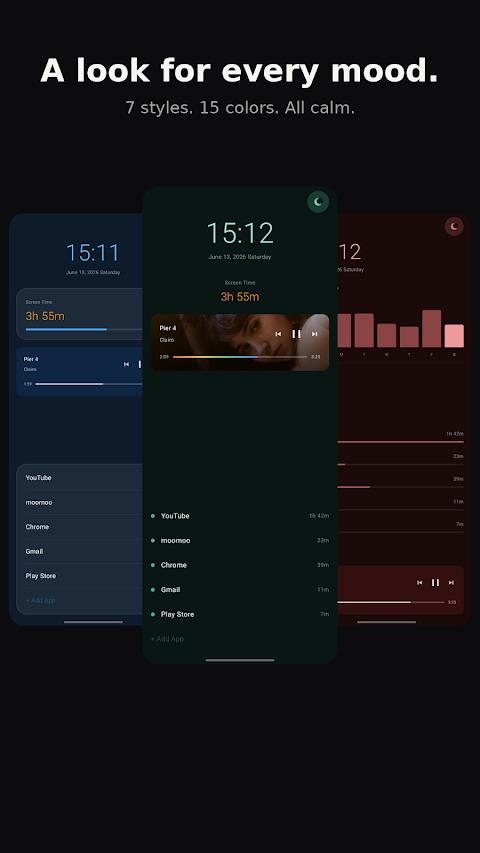
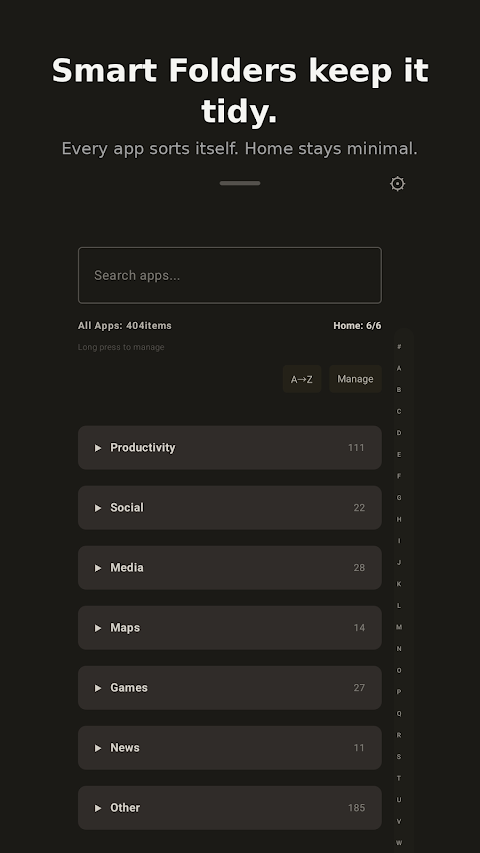
A minimal home screen with only the apps you need — the deliberate simplicity of a dumbphone.
- →
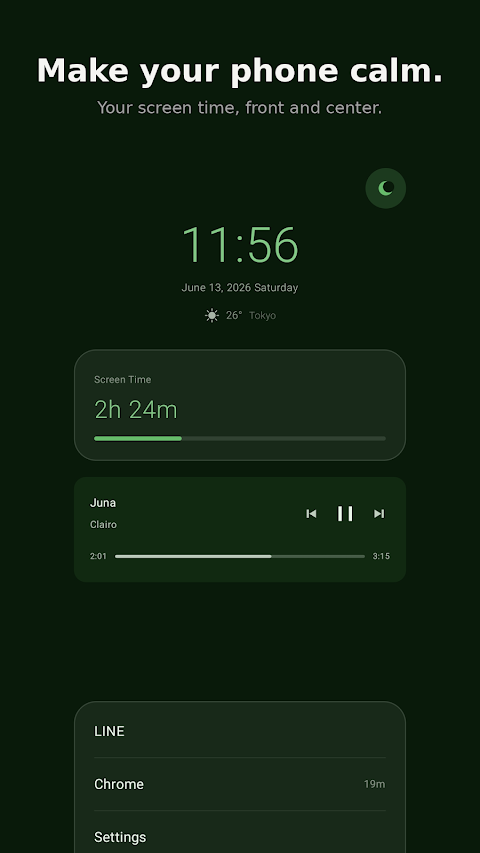
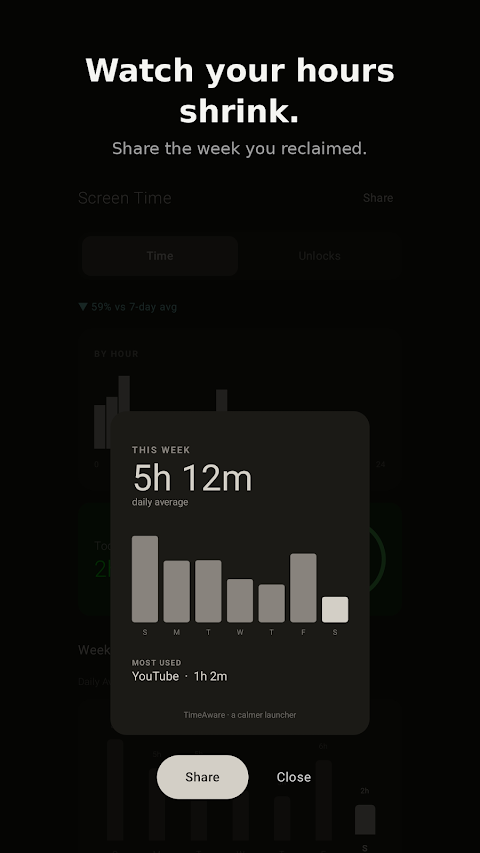
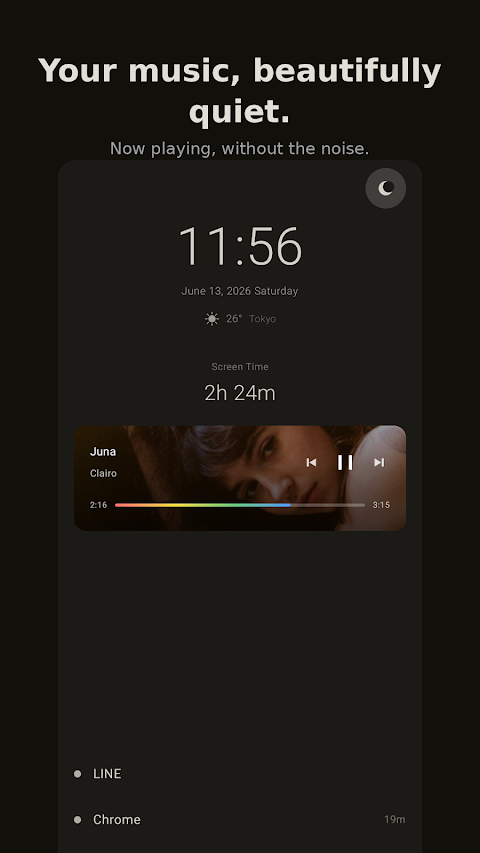
See your screen time at a glance, right on the home screen.
- →
Works fully offline. No account required.
TimeAware is a home launcher that turns your smartphone back into a tool you use on purpose. It clears the distractions off your home screen and keeps only what you actually need — no busy wallpaper, no wall of widgets, just a calm screen every time you unlock.
Why go dumbphone
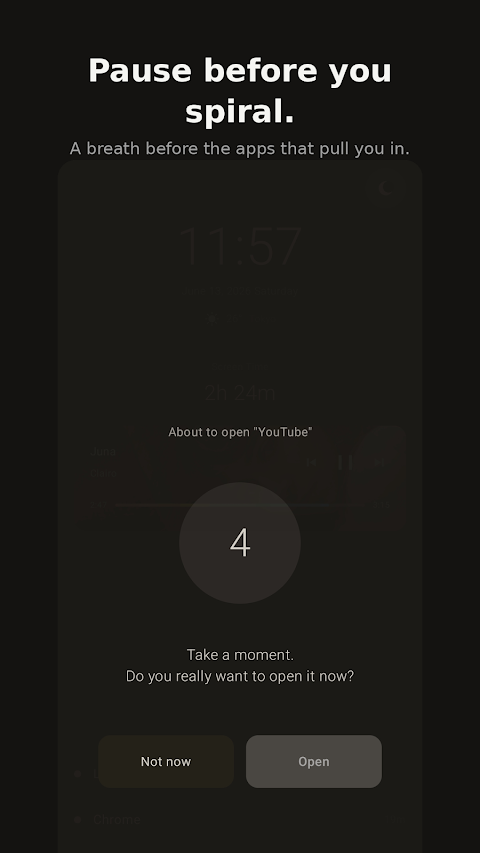
Every time you unlock your phone, a feed or a headline catches your eye and the minutes quietly disappear. TimeAware reduces those triggers by stripping the home screen down to a plain list of apps. It brings the deliberate simplicity of a dumbphone to the smartphone you already own.
Simple to set up
Install it, then set TimeAware as your default home app. Choose the handful of apps you actually use, and see the day's screen time at a glance right on the home screen. Everything works offline, and no account is required.
Who it's for
It fits people who keep finding they've scrolled for an hour, who want to focus on study or work, or who want to try a digital detox. It's for anyone who doesn't want to give up their phone, just change how they live with it.
Frequently asked questions
Do I need an account?
No. TimeAware works offline and requires no account.
Can I switch back to my old launcher?
Yes. You can switch back anytime from Android's default home app setting.
Will I still get notifications?
Yes. Notifications arrive as usual — only the look of the home screen becomes simpler.
Is it free?
It's basically free to use. See the Google Play listing for details.
 Live
Live DotCityClock – Pixel Clock
A digital clock styled as retro pixel art.
 Live
Live KALCO – 24 Game Number Puzzle
A brain-teasing number puzzle where you combine four numbers to make 24.
 Live
Live ProgressDot
A widget that visualizes the progress of your day or year as dots.
 Live
Live LinkRemind
An app that saves URLs to read later and reminds you about them.